

Google Business Profile · Local SEO
When someone in Adelaide searches for “plumber near me” or “cafe Norwood”, the first thing they often see is not your website. It’s your Google Business Profile: your name, star rating, photos, hours and a button to call you.
That profile is free, and Google itself says businesses with complete and accurate information are more likely to show up in local search results. The good news? Most of the improvements are quick. Here are five you can knock over this week, all based on Google’s own Business Profile guidelines.
Why your Business Profile matters so much
Google explains that local results are mainly based on three things: relevance (how well your profile matches the search), distance (how far you are from the person searching) and prominence (how well known your business is, which includes things like reviews and links to your business).
You can’t move your shop closer to every customer, and Google is clear there’s no way to pay for a better local ranking. But you can control how relevant, complete and trustworthy your profile looks. That’s where these five wins come in.
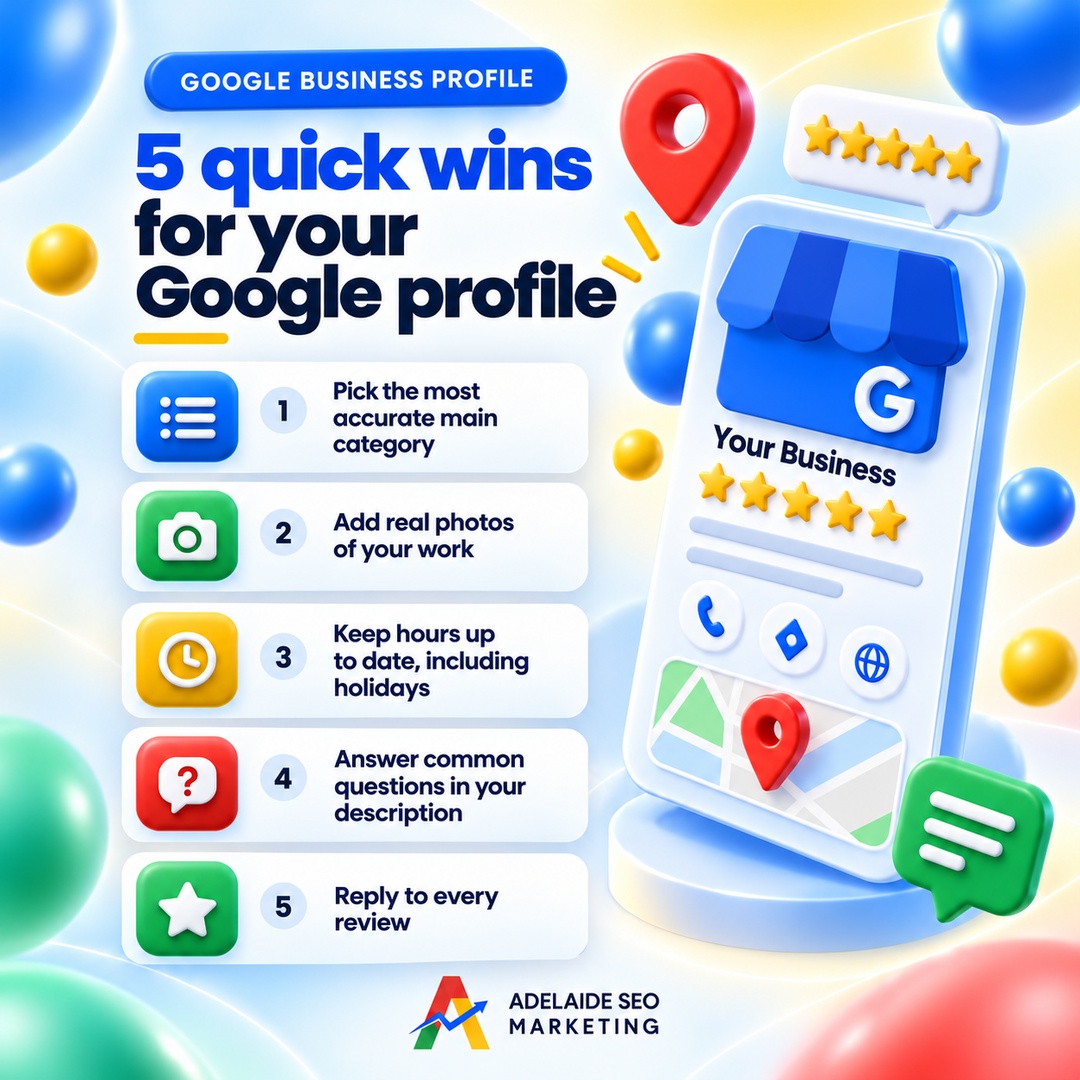
Quick win 1: Pick the most accurate main category
Your primary category tells Google what kind of business you are. Google’s help page says plainly that the categories you select affect your local ranking.
How to get it right
- Be specific. Google’s own example: instead of “Salon”, choose “Nail salon”. A Prospect electrician should look for “Electrician”, not a broad “Contractor”.
- Add a few extra categories, not dozens. Google says not to select a category for every product or service. Use a small number of additional categories that genuinely describe what you do.
- Don’t use categories as keywords. Google’s guidelines warn against choosing categories just to stuff in keywords.
One heads-up: changing your category can trigger a request to verify your business again, so make the change when you have time to deal with that.
Quick win 2: Add real photos of your work
Photos are often the first thing people tap. Google recommends adding photos and videos of your storefront, products and services, and notes that an exterior photo helps customers recognise your business when they arrive.
What Google asks for
- JPG or PNG, between 10 KB and 5 MB
- Recommended resolution of 720 x 720 pixels (minimum 250 x 250)
- In focus, well lit, and without heavy filters or alterations. In Google’s words, the image should represent reality.
So skip the stock photos. Show your actual team, your fit-out in Unley, the finished deck in Golden Grove, the dish that sells out every Friday. Real photos build trust before anyone picks up the phone. Keep in mind new photos can take 24 to 48 hours to appear.
Quick win 3: Keep your hours up to date, including holidays
Nothing loses a customer faster than turning up to a locked door when Google said you were open.
Google lets you set special hours for holidays, events and other exceptional days without changing your regular hours. Google even suggests confirming your hours for official holidays when they’re the same as usual, because it shows customers your hours are accurate.
South Australian dates worth setting early
Think about the days that trip people up here: the Adelaide Cup and King’s Birthday long weekends, Christmas to New Year, and any days you close for stocktake or staff training. Set them ahead of time and you won’t have to remember on the day.
If you’re closed for seven or more days in a row, Google recommends marking the business as temporarily closed instead.
Quick win 4: Use your description to answer common questions
Your business description shows in the “From the business” section of your profile. You get up to 750 characters, and Google suggests covering:
What you offer
What makes you special
How long you’ve been in business
Anything else that’s helpful for customers to know
Make it work harder
Think about the questions your team answers every week. Do you service the Adelaide Hills? Are you wheelchair accessible? Do you offer after-hours call-outs? Weave the most common answers into your description in plain language.
Just stick to Google’s rules: no links, no HTML, and focus on your business rather than prices, sales or promotions. Descriptions that are mainly about deals are not allowed.
Quick win 5: Reply to your reviews
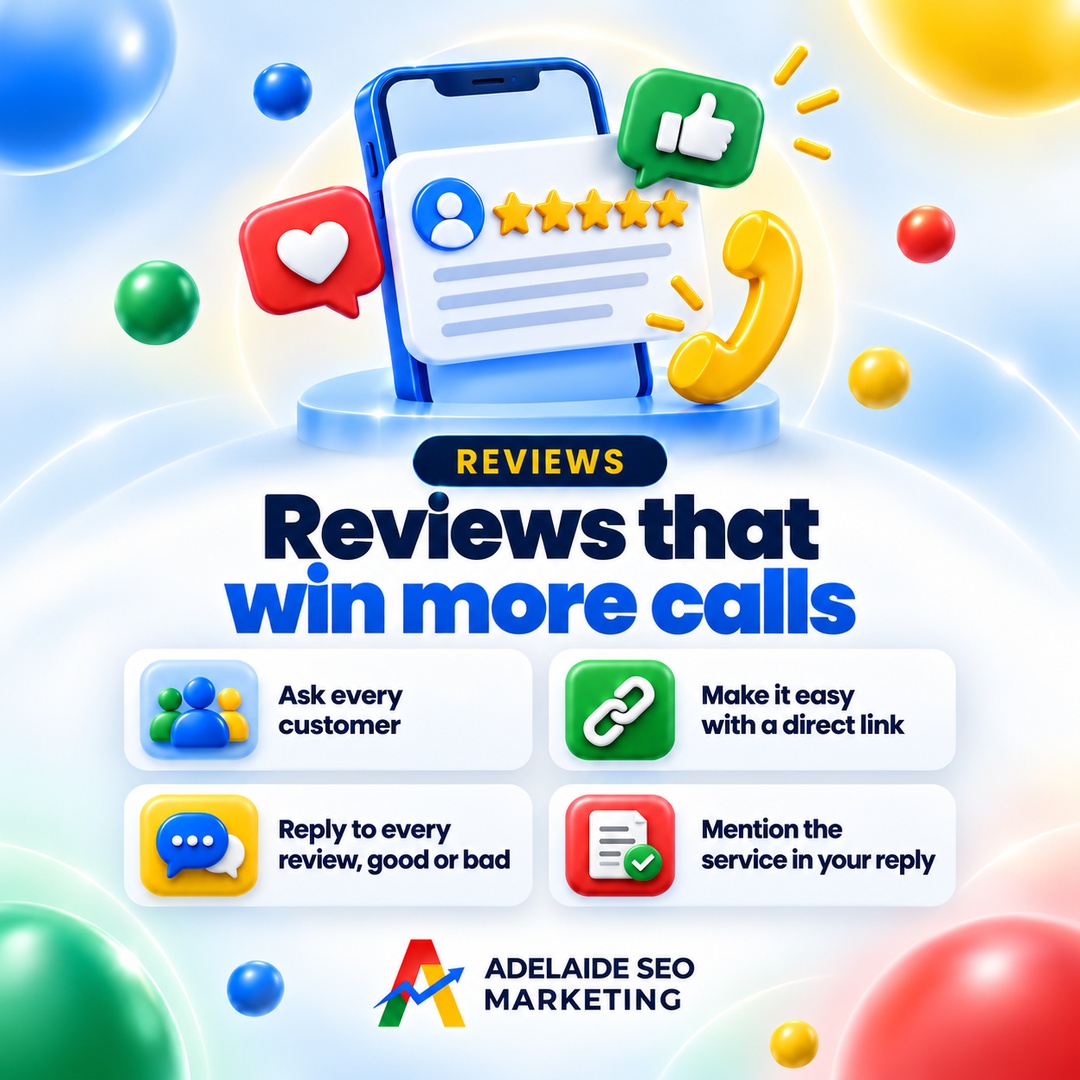
Google says replying to reviews shows customers that you value their feedback, and that positive reviews and helpful replies can help your business stand out.
What a good reply looks like
Google’s tips are refreshingly practical:
- Keep it short, polite and professional
- Personalise it: use the reviewer’s name and mention what they actually said
- Avoid copy-paste “thanks!” replies and avoid using replies to push deals
- For negative reviews, stay calm, apologise where it’s appropriate, and invite the person to contact you directly to sort it out
You’ll need a verified profile to reply. Google checks replies against its content policies before they go public, which usually takes up to 10 minutes.
Bonus: verify first if you haven’t already
All of the above works best on a verified profile. Google says verification tells it you’re authorised to represent the business, so it’s more likely to show up in search results. Photos won’t show and you can’t reply to reviews until you’re verified.
Your 20 minute checklist
- Check your primary category is the most specific match
- Upload five to ten recent, real photos
- Add special hours for the next public holiday
- Rewrite your description to answer your top three customer questions
- Reply to your three most recent reviews
Do one a day for a week and your profile will be in far better shape than most of your competitors’.
Google Business Profile FAQs
How often should I update my Google Business Profile?
Check it whenever something changes, such as your hours, services, phone number or location, and set special hours before every public holiday. Adding fresh, real photos every so often also keeps your profile current for customers.
Can I pay Google to rank higher on Maps?
No. Google states there’s no way to request or pay for a better local ranking. Your local ranking depends on relevance, distance and prominence.
Should I put my suburb or keywords in my business name?
Only if that’s genuinely your real-world business name. Google’s guidelines say your name should match what’s on your signage, website and stationery. Adding extra keywords can break those guidelines.
Keep reading
Sources
- Google Business Profile Help, Tips to improve your local ranking on Google
- Google Business Profile Help, Manage your business category
- Google Business Profile Help, Manage your Business Profile photos and videos
- Google Business Profile Help, How to set special hours
- Google Business Profile Help, Edit your Business Profile (business description)
- Google Business Profile Help, Guidelines for representing your business on Google
- Google Business Profile Help, Manage customer reviews
- Google Business Profile Help, Tips to get more reviews
Need a hand with your Google Business Profile?
If you’d like a second set of eyes, our team can look over your profile and website together and show you what’s holding you back in local search. Book your free SEO audit or get in touch with the team.

SEO That Converts: More Clicks, More Customers.
Your journey to online success begins here, with Adelaide SEO Marketing. We’re not just a service; we’re your partners in growth.
