
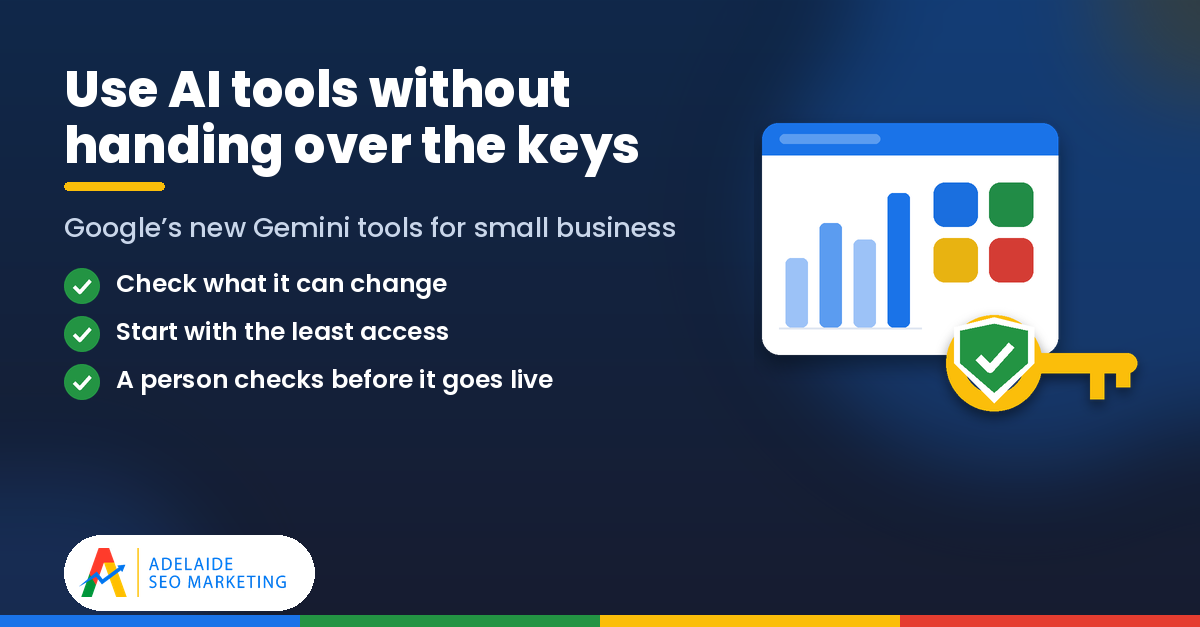
Google has announced a new set of tools in its Gemini app aimed squarely at small business owners. They promise help with brand visuals, social content and making sense of your numbers, and they can connect to many of the business accounts you already use.
That could be genuinely useful for a busy Adelaide business. It also means some sensible checks before you link anything up. Below we explain what Google has announced, where it might help, and the steps we’d suggest before you connect your accounts.
What has Google announced?
On 20 October 2026, Google announced new tools for small business owners in the Gemini app. There are three main parts.
A business landing page. Google describes this as a central hub where owners can build their brand, analyse their finances, understand customer insights and more, all from one place in Gemini.
Connections to the tools you already use. Gemini can be connected to Google tools including Google Business Profile, Google Ads and Google Workspace. It can also connect to third-party apps including Adobe, Canva, Dropbox, Shopify, Wix, Zoho and Xero.
Marketing and finance skills. Google says you can define your brand style by uploading your website, brand kit, fonts or colour palettes, and Gemini will keep that style so you don’t have to upload it again each time. On the finance side, Google says Gemini can turn messy spreadsheets, receipts and purchase records into clear financial graphics and interactive models.
Is it available in Australia yet?
Google says the business landing page, the marketing and finance skills and the new connected apps are beginning to roll out globally to all Gemini app users “in the coming days”. That means it may not be available on your account straight away.
The simplest way to find out is to open your own Gemini app and look for the new business features. If you can’t see them yet, they may still be on their way.
Where it could help an Adelaide small business
Used well, tools like these can take some of the routine work off your plate. A few areas where they could be worth a look:
Social media and website copy. Drafting a first version of a social post, a product description or a newsletter is the kind of task AI tools handle reasonably well. You still bring the local knowledge, the tone and the facts about your business, but a draft to edit can be quicker than a blank page.
On-brand visuals. If you’ve ever had to make a quick promotional image for a sale or a new service, a tool that remembers your colours, fonts and style could help keep things consistent across your posts. It’s still worth checking every image carefully before it goes out, especially anything showing your products, prices or premises.
Making sense of the numbers. Turning a messy spreadsheet or a pile of receipts into a chart can make it easier to see what’s going on in your business. Treat it as a starting point for a conversation with your bookkeeper or accountant, not a replacement for one.
Before you connect anything: five sensible steps
Connecting an AI tool to your Google Business Profile, Google Ads account or accounting software is a bit like giving someone a key to your office. It can be very handy, but you want to know which doors it opens. Here’s what we’d suggest.
1. Check what each connection can read or change
Before you approve a connection, read the permission screen carefully. Look at what the tool is asking to see and, more importantly, what it’s asking to change. Being able to read your reviews is very different from being able to post on your profile, and viewing your ad results is very different from changing your budget. If the screen isn’t clear, look up the help page for that connection before saying yes.
2. Start with the least access possible
You don’t have to connect everything on day one. Start with one tool and the smallest level of access that does the job. If it proves useful, you can always add more later. Keep a simple note of what you’ve connected and when, so you can review or remove connections if you need to.
3. Have a person check before anything is published
AI tools can get details wrong, including opening hours, prices, service areas and claims about your business. Make it a rule that a person in your business reads and approves every post, image and update before it goes public. That matters even more for your Google Business Profile, because it’s often the first thing a local customer sees.
4. Keep people in charge of ad and money decisions
Charts and suggestions can be helpful, but decisions about your advertising budget, your bids or your finances should stay with you and your advisers. Before acting on anything an AI tool suggests about your Google Ads account or your accounts, check it against your own records and, where it matters, talk it through with your accountant or your ads manager.
5. Keep your foundations strong
No AI tool replaces the basics. A complete, accurate and regularly updated Google Business Profile, and a fast, clear website with up-to-date information about your services, are still what local customers rely on when they search for a business in Adelaide. If those foundations are solid, any new tool has something good to work with. If they’re not, it’s worth fixing them first.
The bottom line
Google’s new Gemini business tools could save small business owners time on content, visuals and reporting. They’re also another set of connections into accounts that matter to your business. Check your own Gemini app to see whether the features have reached you, connect one thing at a time with the least access needed, and keep a person checking anything that’s published or affects your money.
Thinking about connecting AI tools to your business accounts? We offer a free check of your Google Business Profile and Google Ads setup, so you know your foundations are in good shape before you connect anything. Get in touch with our Adelaide team to arrange yours.
Source
- Google: New Gemini tools for small business owners (20 October 2026)
This article is general information only. Features, availability and permissions may change, so check Google’s own help pages and the permission screens for each connection before you use them.
SEO That Converts: More Clicks, More Customers.
Your journey to online success begins here, with Adelaide SEO Marketing. We’re not just a service; we’re your partners in growth.
